FobExpressCanada
Copy the Remote Feature of Linear Remote - Self Learning Remote
Copy the Remote Feature of Linear Remote - Self Learning Remote
Couldn't load pickup availability
Keyscan ELVUT0A and Verex ELVUT0A remotes (manufactured by Nutek Corporation; FCC ID: ELVUT0A) are widely used across Canadian multi-residential buildings, condominiums, and commercial parking garages. Available in 2-button and 4-button variants, these legacy remotes were eventually replaced by the Keyscan K-TX2, but many properties still rely on the ELVUT0A system.
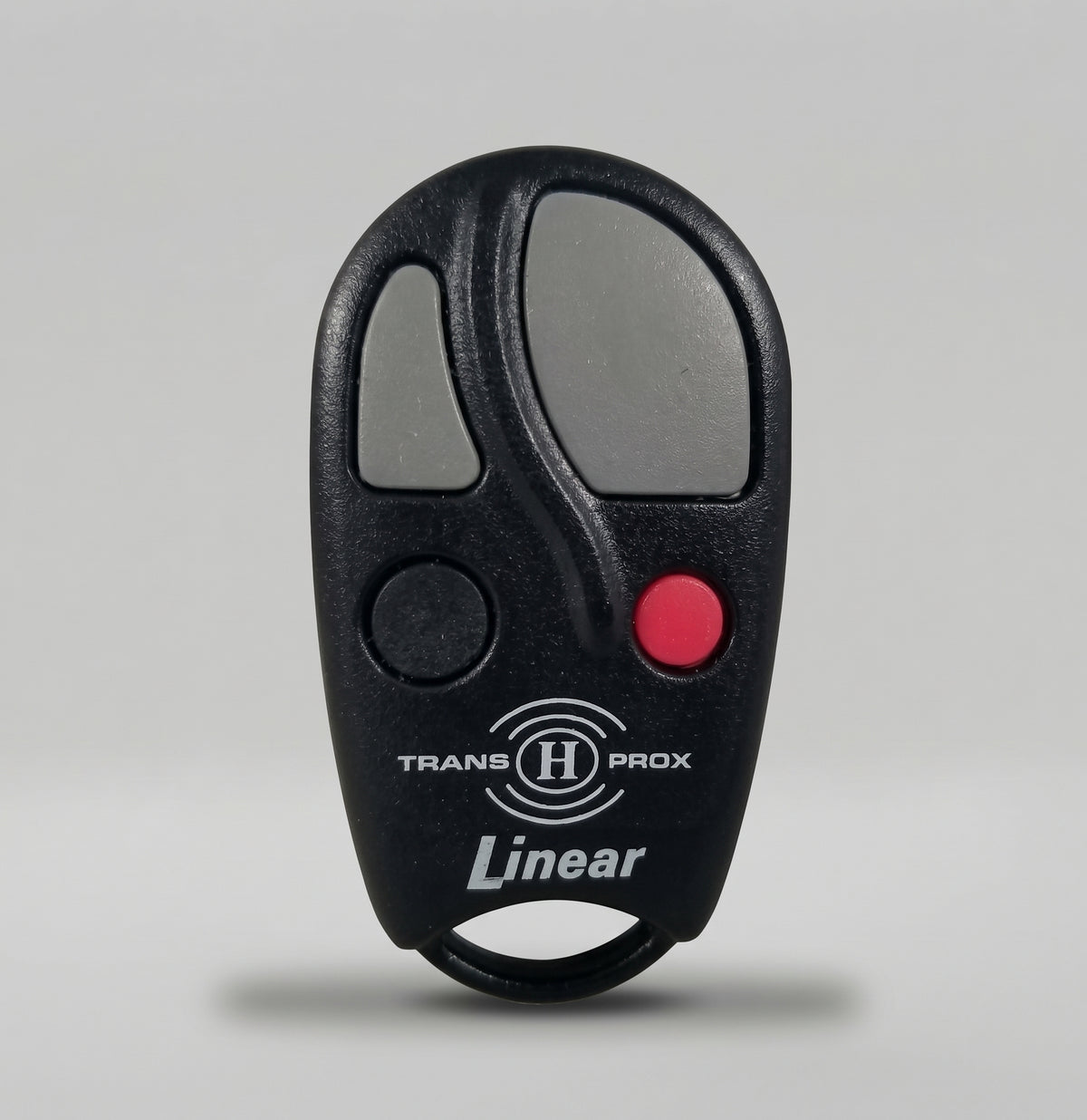
Linear remotes and access transmitters are widely used across Canadian residential communities, apartment complexes, gated entrances, and commercial parking garages for secure gate and garage door automation. Our self-learning remote duplication service supports all Linear remote models.
Supported Linear Duplication Method
-
Self-Learning Remote: We ship you a brand-new self-learning remote when you place your order. You can easily program and sync the self-learning remote yourself in under 3 minutes.
What Is a Self-Learning Remote?
A self-learning remote looks different than your original remote but is engineered to copy the radio frequency code directly from your working original remote into itself.
-
Note: Before purchasing, ensure you have a working original Linear remote that can currently open your garage door. The self-learning remote duplicates only the remote button function (e.g., opening the garage gate). If your original device also includes a proximity chip for tapping to open lobby doors or elevators, you will need to purchase a separate fob for the tap function.
How to Program Your Linear Self-Learning Remote
-
Step 1: Hold button 1, and press button 2 [4 times]. Once in learning mode (indicated by a flashing LED every 2 seconds), proceed to Step 2.
-
Step 2: Press and hold the signal you want to learn from your original remote 2-3 cm away from the self-learning remote while it is in learning mode. Wait until you see rapid LED flashing (every 0.5 seconds). Repeat original remote button presses after 5 seconds of no activity if needed.
-
Step 3: Press any of the 4 buttons on the self-learning remote to lock the signal to that button.
-
All Done! Your remote is ready to use. If you experience any trouble, send a video of you attempting these steps to fobexpresscanada@gmail.com
Can't find your specific key fob or remote model? If your exact device type is not listed below, message us via live chat or reach out to our Canadian support team directly.
Fob Express Canada Customer Support
-
Phone: 5878092103
-
Email: fobexpresscanada@gmail.com
Share